Best use case
Deploy content sites and app front ends with branch previews.
Ship stage
Static sites, forms, serverless functions, and preview-based web teams.
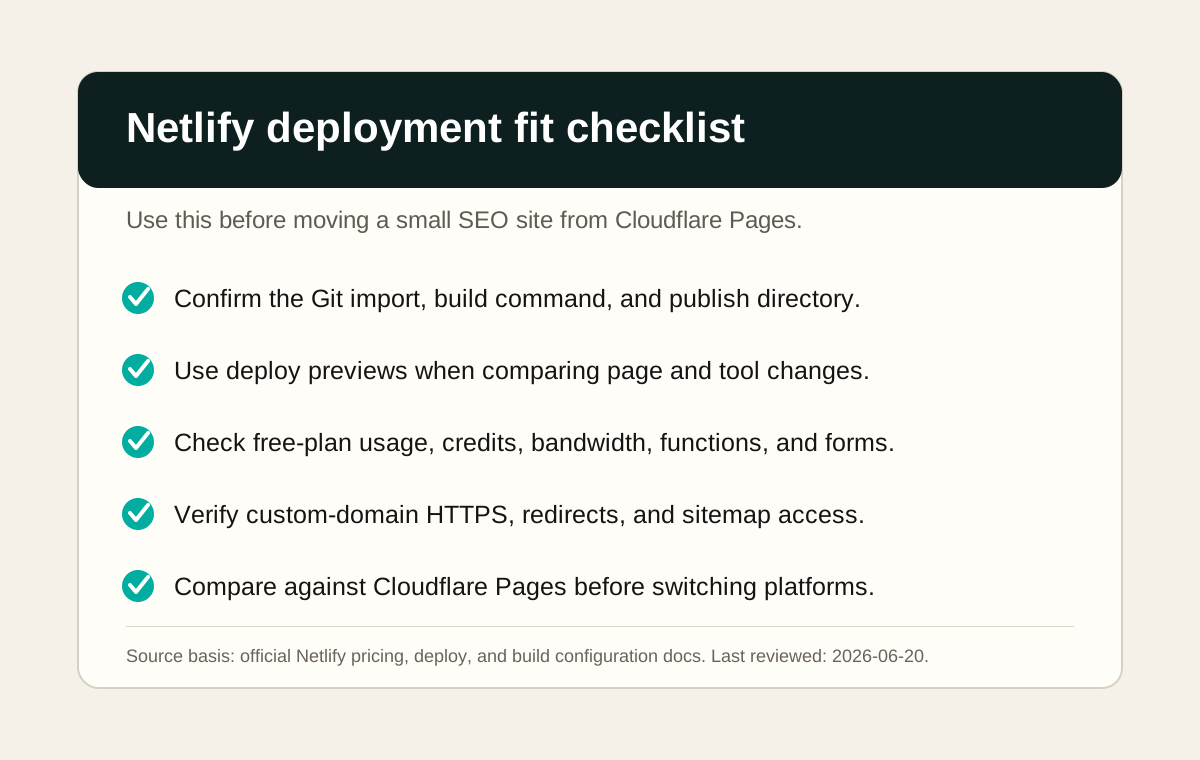
Deploy content sites and app front ends with branch previews.
Netlify has a free plan, but pricing and included usage are credit-based and can change. Check current plan limits, bandwidth, build usage, forms, functions, and add-ons before recommending it for a monetized site.
Test Netlify by deploying the same static build from GitHub, recording the build command, publish directory, deploy preview behavior, custom-domain setup, HTTPS status, and any usage warnings shown in the dashboard.
A strong alternative to Cloudflare Pages when a project needs easy Git deploys, preview URLs, forms, functions, or a mature dashboard. For this site, Cloudflare Pages remains simpler because the domain, DNS, CDN, redirects, and Search Console setup are already working there.
Capture the Netlify import screen, build settings, successful deploy log, preview URL, custom-domain HTTPS state, and usage or billing page after one real deployment.
High. Track build minutes, bandwidth, and preview workflow cost.