Best use case
Edit app code with chat, inline completions, repo context, and model-assisted refactors.
Build stage
Developers who prefer an AI-native editor instead of terminal-first workflows.
Edit app code with chat, inline completions, repo context, and model-assisted refactors.
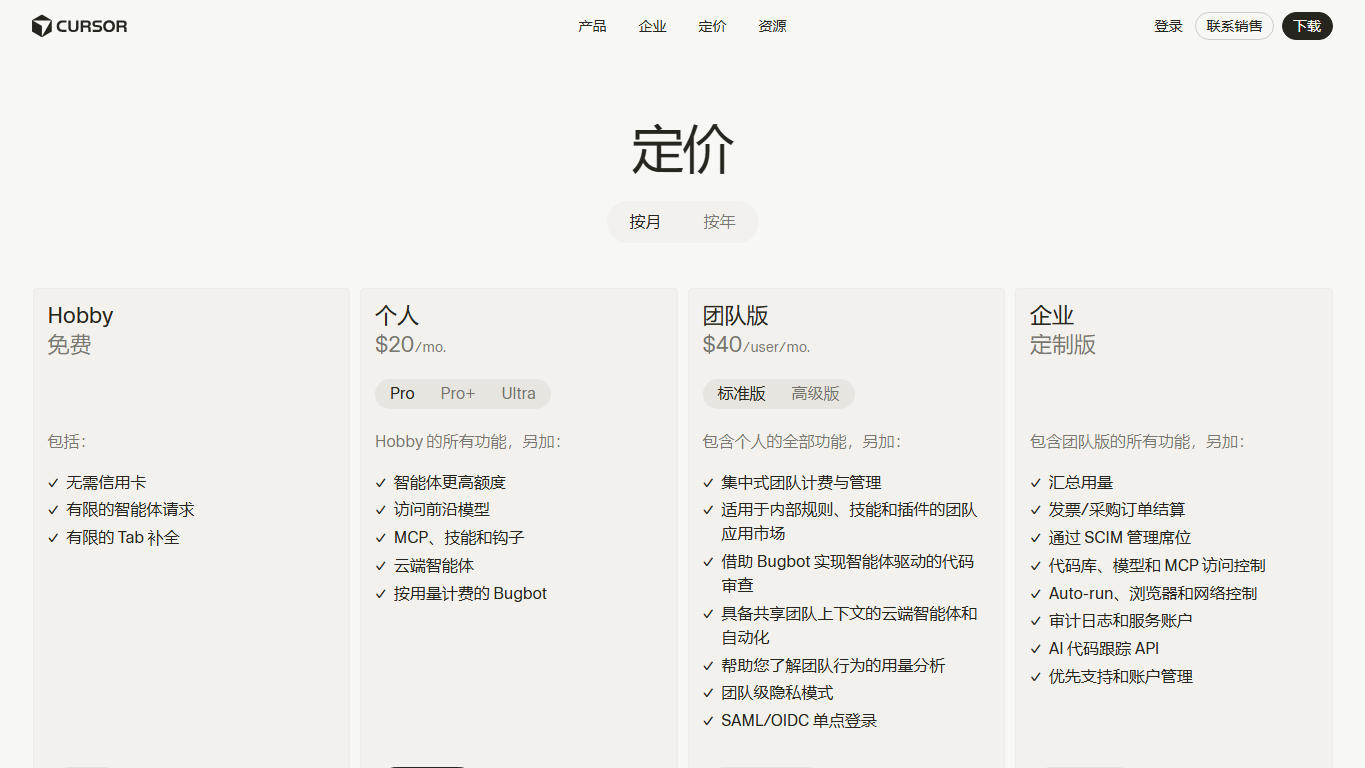
Verify current plans on the official Cursor pricing page before publishing buyer advice.
Run the same landing page or bug-fix task in Cursor and a baseline editor, then compare completion time and cleanup needed.
Best for builders who want AI inside their everyday editor. It is easier to adopt than a terminal agent, but still needs code review and source-control discipline.
Capture the editor with chat/context visible, the changed file diff, and any generated UI running locally.
High. Compare time-to-build against a normal VS Code workflow on the same task.