Best use case
Ask an AI model to edit code in a local repository while keeping changes visible through Git diffs.
Build stage
Developers who want an AI pair programmer that works from the command line with Git.
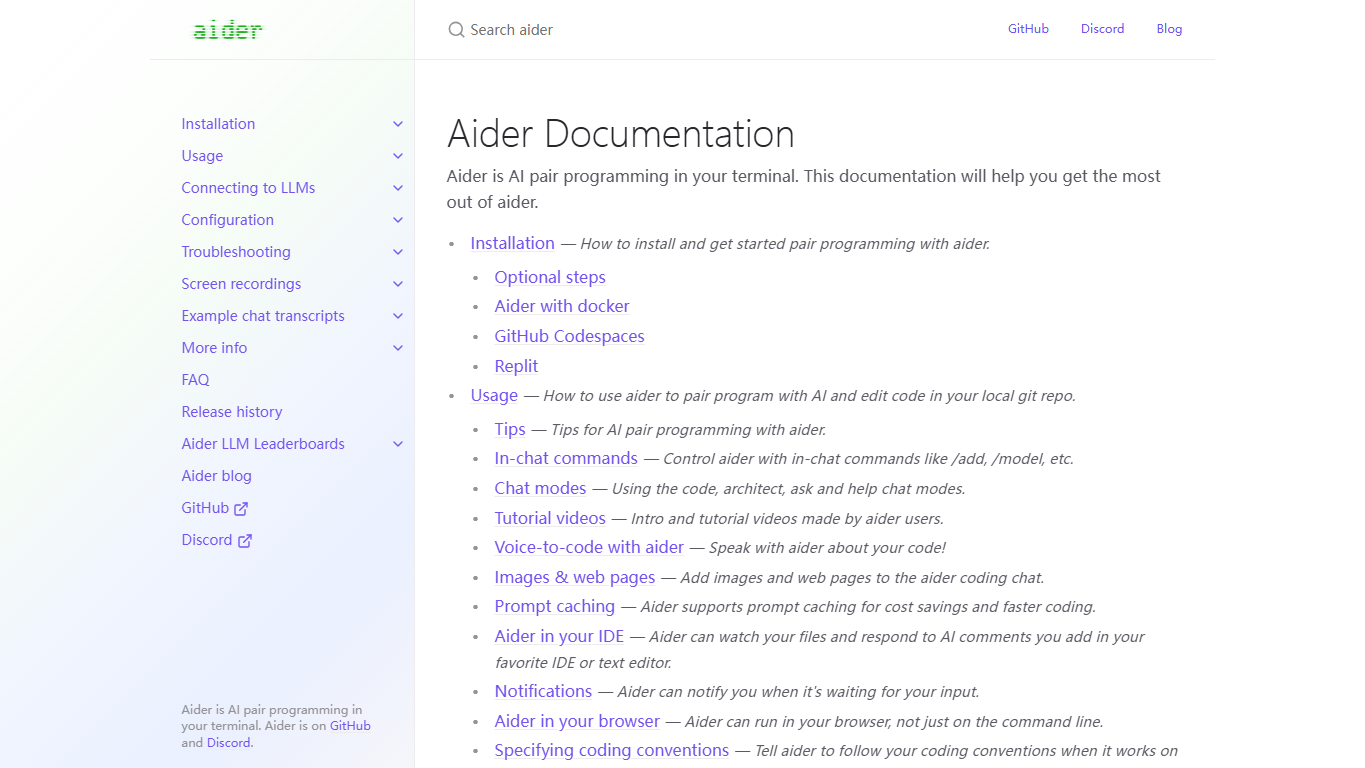
Ask an AI model to edit code in a local repository while keeping changes visible through Git diffs.
Aider is open source; usage cost depends on the model provider and API settings selected.
Use Aider on one scoped content-site improvement, keep the Git diff, and record prompts plus model cost.
Useful for technical users who already like terminal and Git workflows. It is not the easiest path for beginners, but it is a credible open-source option to track.
Capture the terminal prompt, files changed in Git, and the model/API configuration used for the run.
Medium. Document model cost, edit quality, and review steps on one real website task.